Onboarding and exit checklists
Checklists of tasks for HR, the manager and the employee that start by themselves when someone joins or leaves, with due dates from the joining or exit date.
Checklists make sure nothing is missed when someone joins or leaves: offer letter, laptop, access, handbook, exit interview, settlement.
Checklists that start by themselves
Setup creates two:
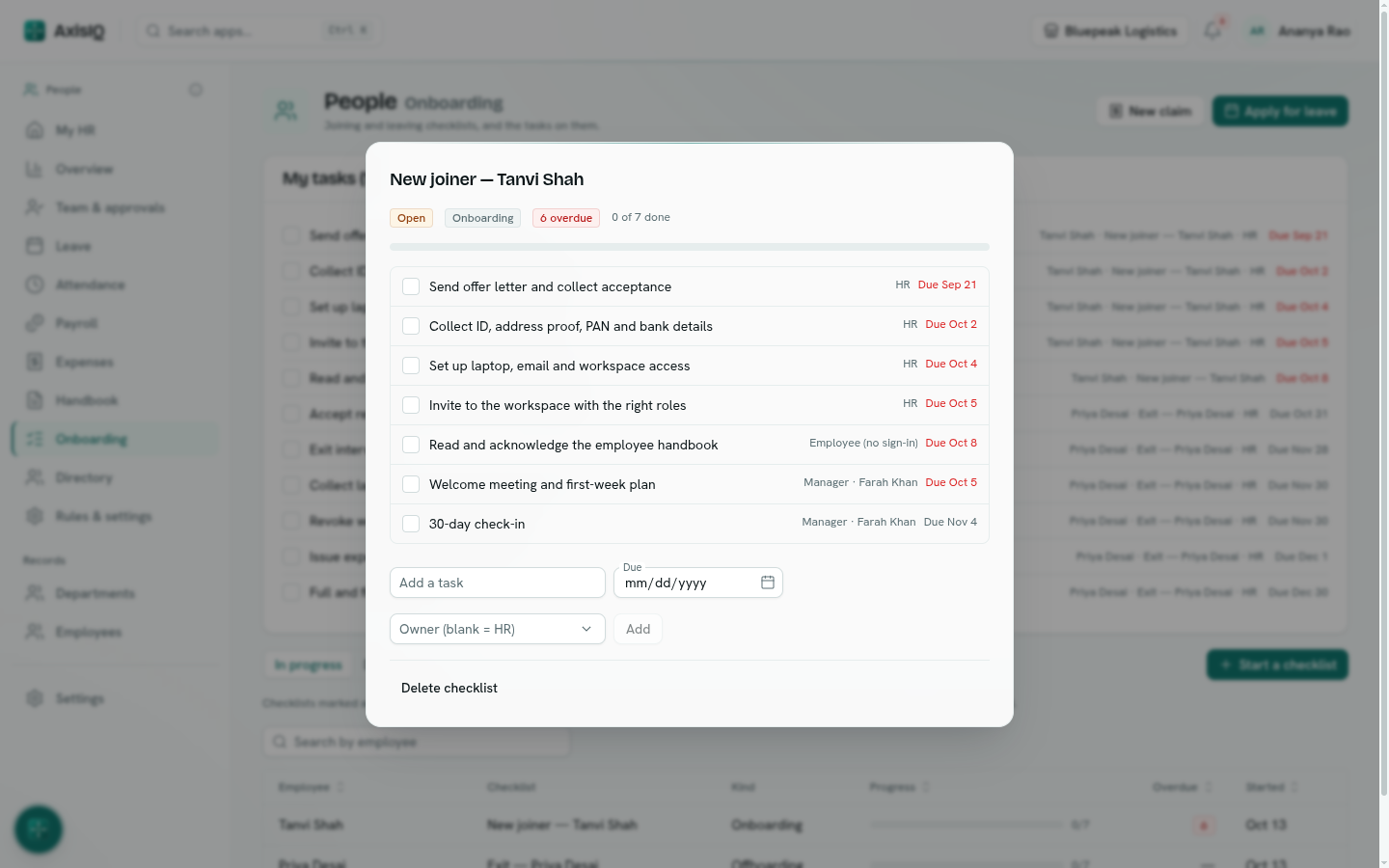
- New joiner — starts when an employee record is created: offer letter, documents, laptop and access, workspace invite, handbook, welcome meeting and a 30-day check-in.
- Exit — starts when an employee is set to On notice or Left: resignation, knowledge transfer, company property, access, exit interview, full and final settlement, letters.
Each task has an owner — HR, the manager, the employee or a named person — and is due a number of days before or after the joining date or last working day.
Note: Employees added with a joining date more than 30 days back don't get a joining checklist, so importing existing staff doesn't create a pile of overdue tasks.
Your tasks
Tasks assigned to you are under My HR › My tasks and at the top of Onboarding. Tick a task when it is done. With Runs HR you also see HR tasks and can tick anyone's.
Track checklists
Onboarding lists checklists In progress, Done or All, with progress and overdue tasks. Open one to tick tasks, add a task, or change an owner or due date.
To start one by hand — for a transfer or a return from long leave — click Start a checklist, pick the Employee and Checklist, and choose what to Count due dates from.
Change the checklists
Under Rules & settings › Checklists, edit the tasks of New joiner and Exit, or add your own (kind Onboarding, Offboarding or Other). Starts by itself decides whether a checklist starts automatically.