My work
Every open item assigned to you or picked up by you, across all your queues.
My work lists every open item that is yours, across all your queues, so you do not have to check each queue.
Before you start: Can view on Work queues. You only see items in queues you can open.
Open it
Work Queues › My work.
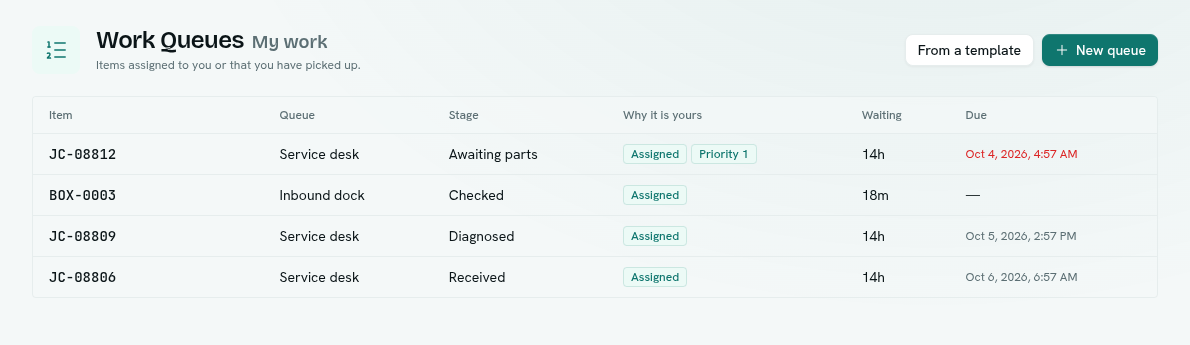
An item is yours when it is assigned to you or you picked it up (and your hold has not run out). The table shows:
| Column | What it shows |
|---|---|
| Item | The reference. |
| Queue and Stage | Where it is. |
| Why it is yours | Assigned, Picked up, and its priority when it has one. |
| Waiting | How long it has been in this stage. |
| Due | Its due time — red when past. |
Click a row to open the item. When nothing is yours you see "Nothing on your plate".
Getting work into My work
- Someone assigns it to you: from the item window (Assign to), the row menu (Assign to me) or the bulk bar (Assign to…).
- You pick it up: Pick up next on a queue's Items view holds the next waiting item for you.
When an item is finished, cancelled or reassigned, it leaves your list.