Search and quick switcher
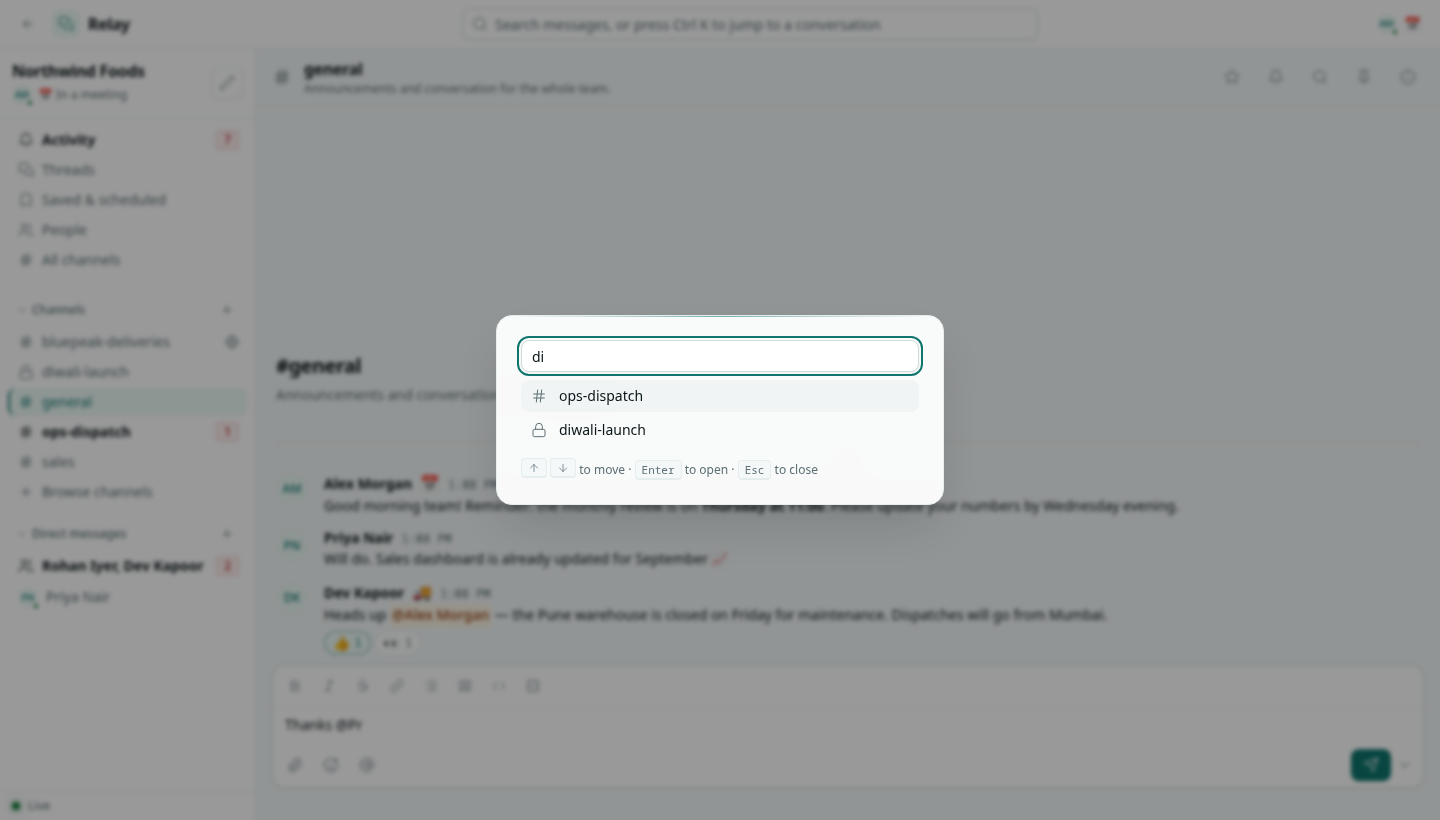
Search messages across every conversation you can see, and jump to any channel or person with Ctrl + K.
Search messages
Click the search box in the top bar, type and press Enter. Results come from every conversation you can read: your channels, public channels, your direct messages and shared channels.
Narrow the results with:
| Filter | What it does |
|---|---|
| Anywhere | Pick one conversation. The magnifier in a channel header opens search already limited to that channel. |
| From anyone | Only messages from one person. |
| Has files | Only messages with attachments. |
Click a result to open the conversation at that message.
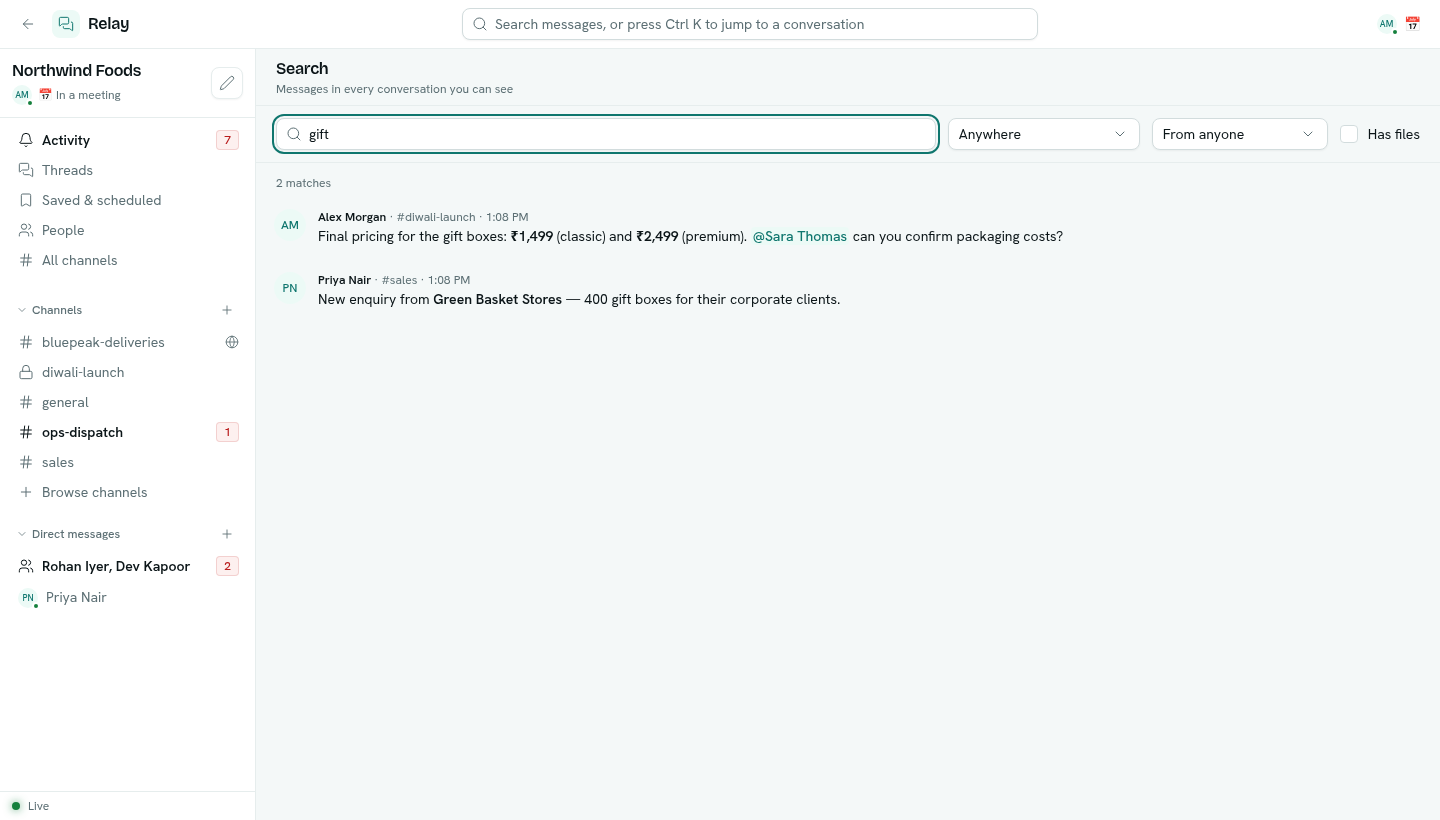
Search matches the words as you type them, anywhere in the message. It does not search inside attached files.
Quick switcher
Press Ctrl + K (⌘ + K on a Mac) anywhere in Relay, type part of a channel or person's name, move with the arrow keys and press Enter to open it. Esc closes it.