Keyboard shortcuts
Every keyboard shortcut in the Sheets editor.
Every keyboard shortcut in the Sheets editor. Press ? (or Ctrl + /) in a sheet to see this list. On a Mac, use Cmd instead of Ctrl.
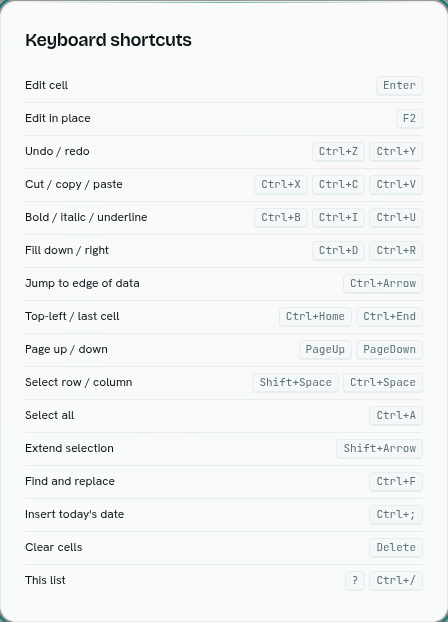
| To | Press |
|---|---|
| Edit cell | Enter |
| Edit in place | F2 |
| Save and move down / right | Enter / Tab (while editing) |
| Cancel an edit | Esc |
| Undo / redo | Ctrl + Z / Ctrl + Y (or Ctrl + Shift + Z) |
| Cut / copy / paste | Ctrl + X / Ctrl + C / Ctrl + V |
| Bold / italic / underline | Ctrl + B / Ctrl + I / Ctrl + U |
| Fill down / right | Ctrl + D / Ctrl + R |
| Jump to edge of data | Ctrl + Arrow |
| Top-left / last cell | Ctrl + Home / Ctrl + End |
| Page up / down | PageUp / PageDown |
| Select row / column | Shift + Space / Ctrl + Space |
| Select all | Ctrl + A |
| Extend selection | Shift + Arrow |
| Find and replace | Ctrl + F |
| Insert today's date | Ctrl + ; |
| Toggle a checkbox cell | Space |
| Clear cells | Delete |
| This list | ? or Ctrl + / |