Activity and notifications
How unread counts work, what reaches your Activity, and how to choose which channels notify you.
Unread messages
A conversation with new messages is shown in bold in the sidebar, with a count. Opening it marks it read. Right-click it and choose Mark as read to clear it without opening, or use Mark unread from here on a message to come back to it later.
Activity
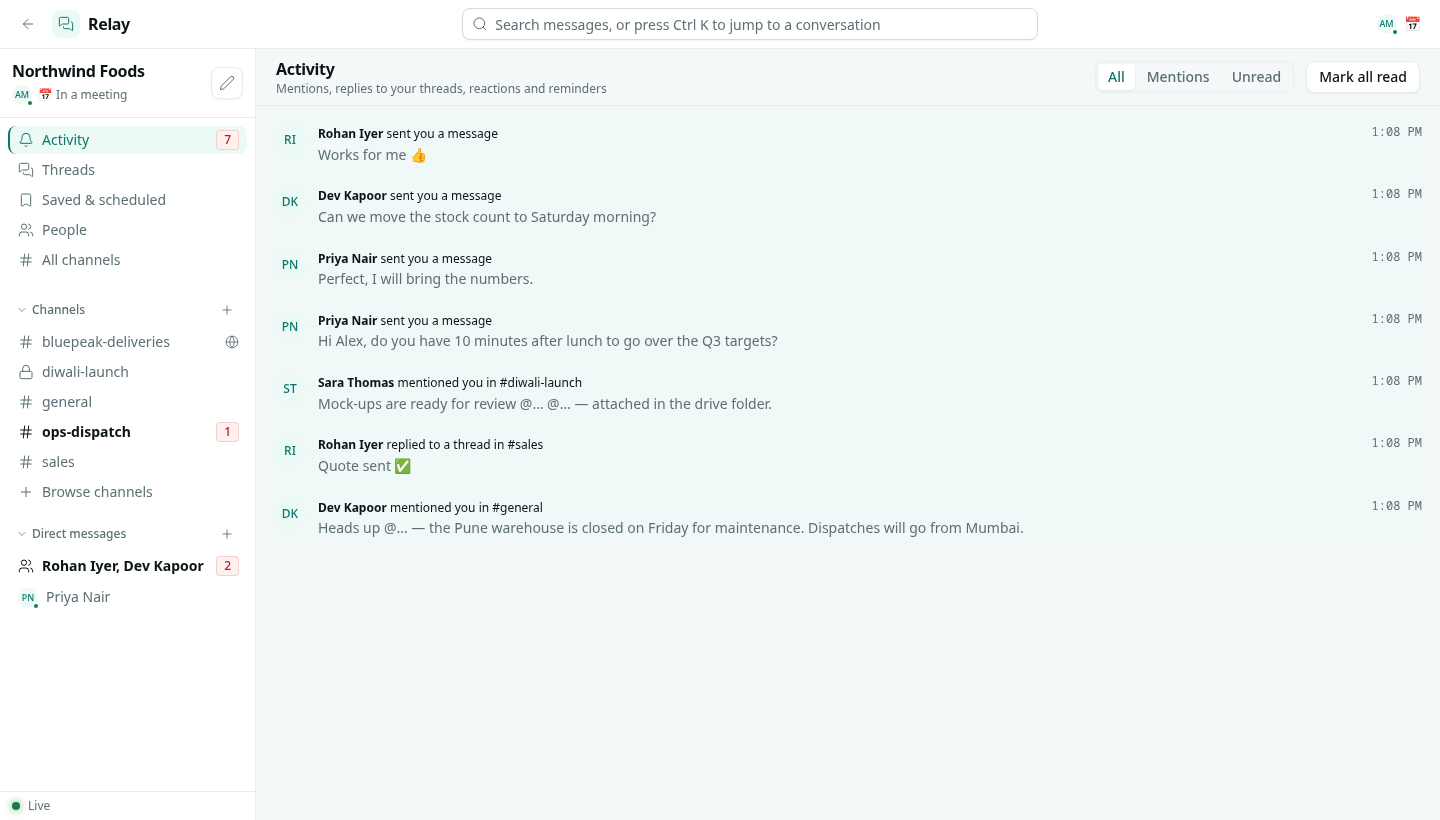
Activity in the sidebar collects what is addressed to you:
- someone @mentions you, or uses
@channel,@hereor a role you are in - someone replies to a thread you started or replied in
- a direct message
- someone reacts to your message
- a reminder you set comes due
Filter All, Mentions or Unread, click an item to jump to the message, or Mark all read.
Notifications outside Relay
When you are not active in Relay, the same events also reach the bell in the top bar of AxisIQ, so you see them from any app. Clicking the notification opens the conversation. While do not disturb is on, they only collect in Activity. See Status and do not disturb.
Choose what a channel notifies you about
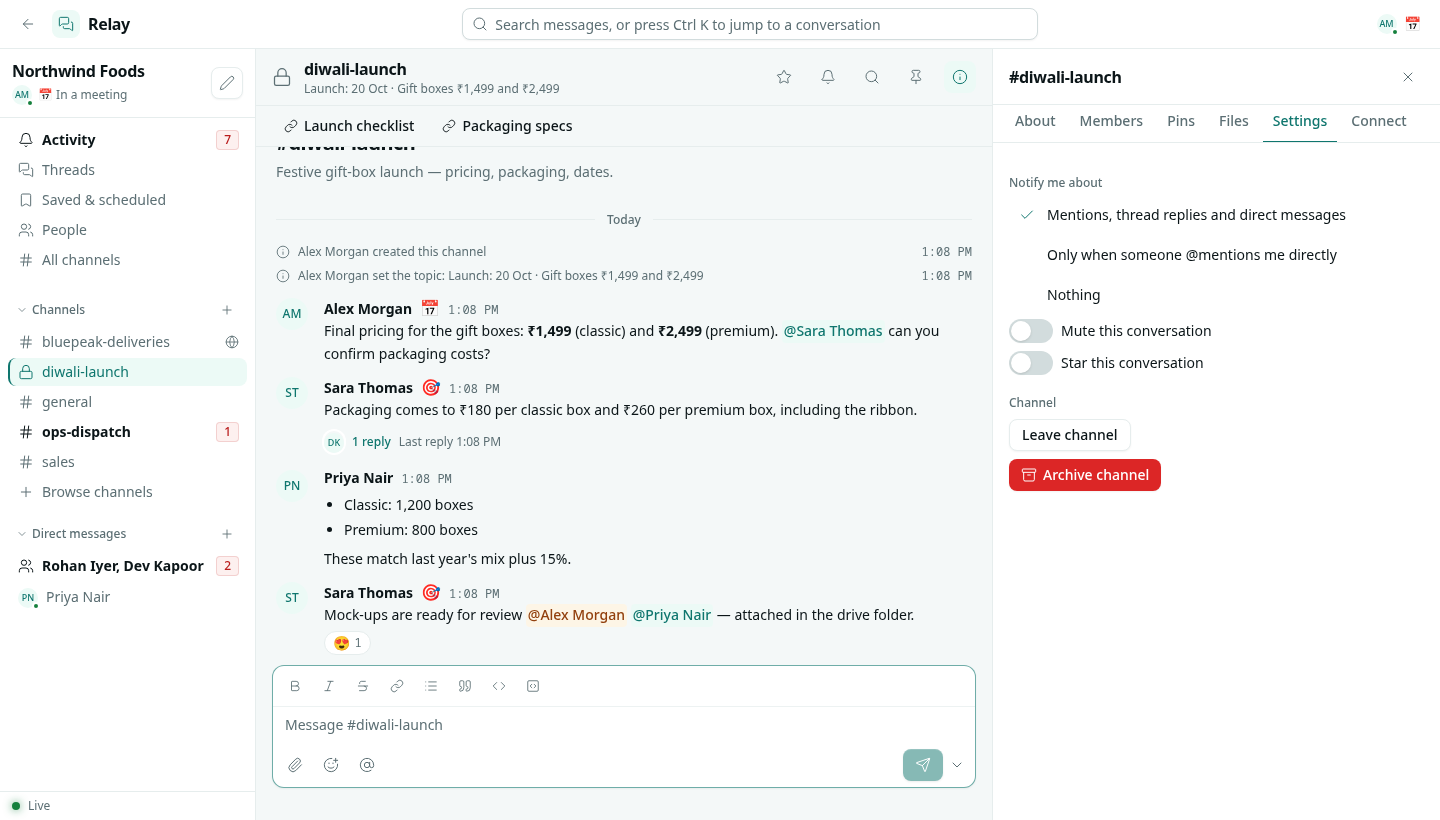
In the channel details, open Settings and pick one:
| Option | What notifies you |
|---|---|
| Mentions, thread replies and direct messages | The default. |
| Only when someone @mentions me directly | @channel, @here and role mentions are ignored. |
| Nothing | Only direct @mentions of you get through. |
Mute this conversation keeps it quiet in the same way and greys it out in the sidebar.