Direct messages
Message one person, a small group, or yourself. Start a conversation, close it, and message people from connected organizations.
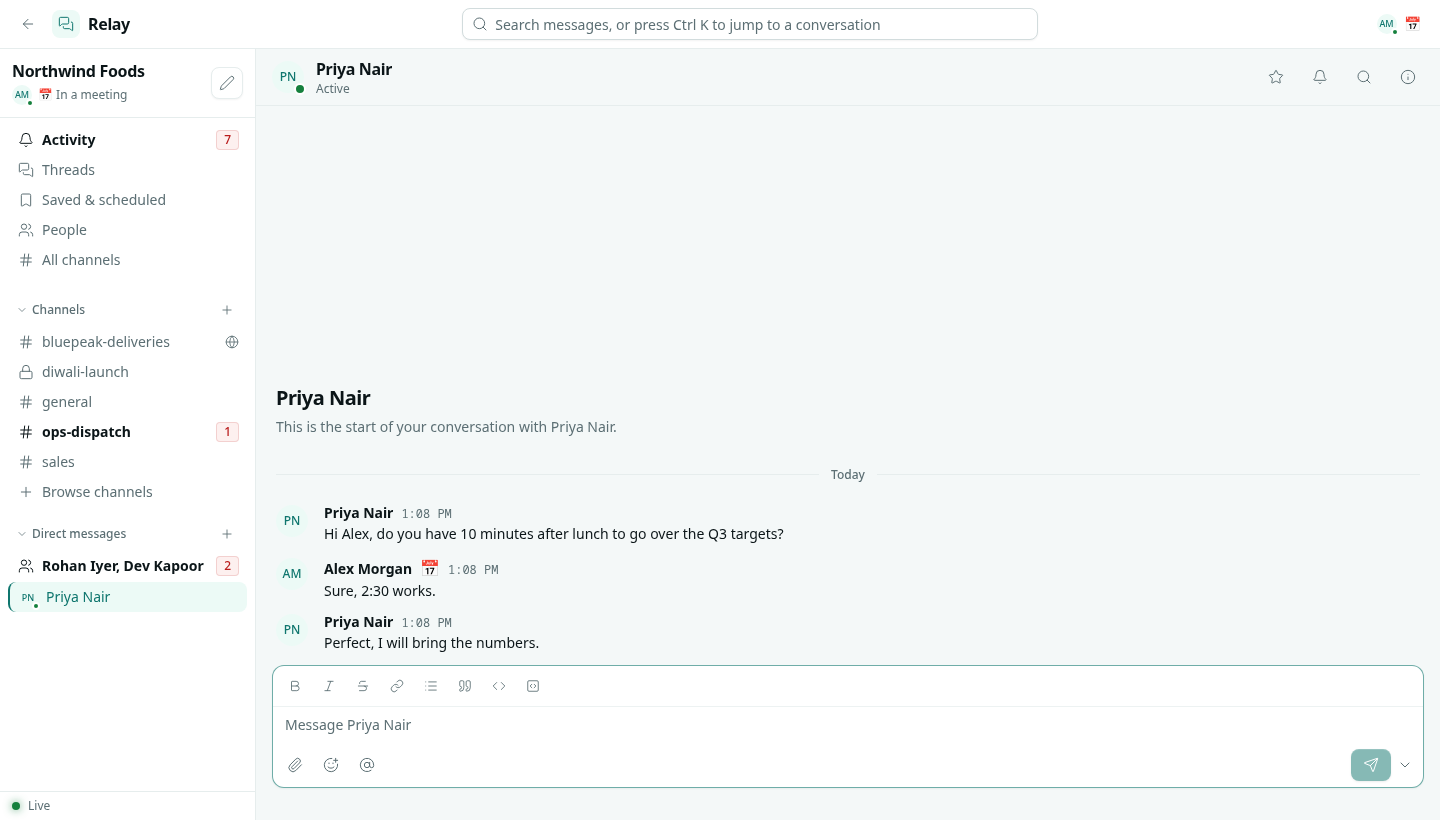
A direct message is a private conversation with one person or a small group. Only the people in it can read it.
Start a direct message
- Click + next to Direct messages in the sidebar, or the pencil next to your workspace name.
- In To, pick one or more people.
- Click Start conversation. If you already have a conversation with exactly those people, Relay opens it.
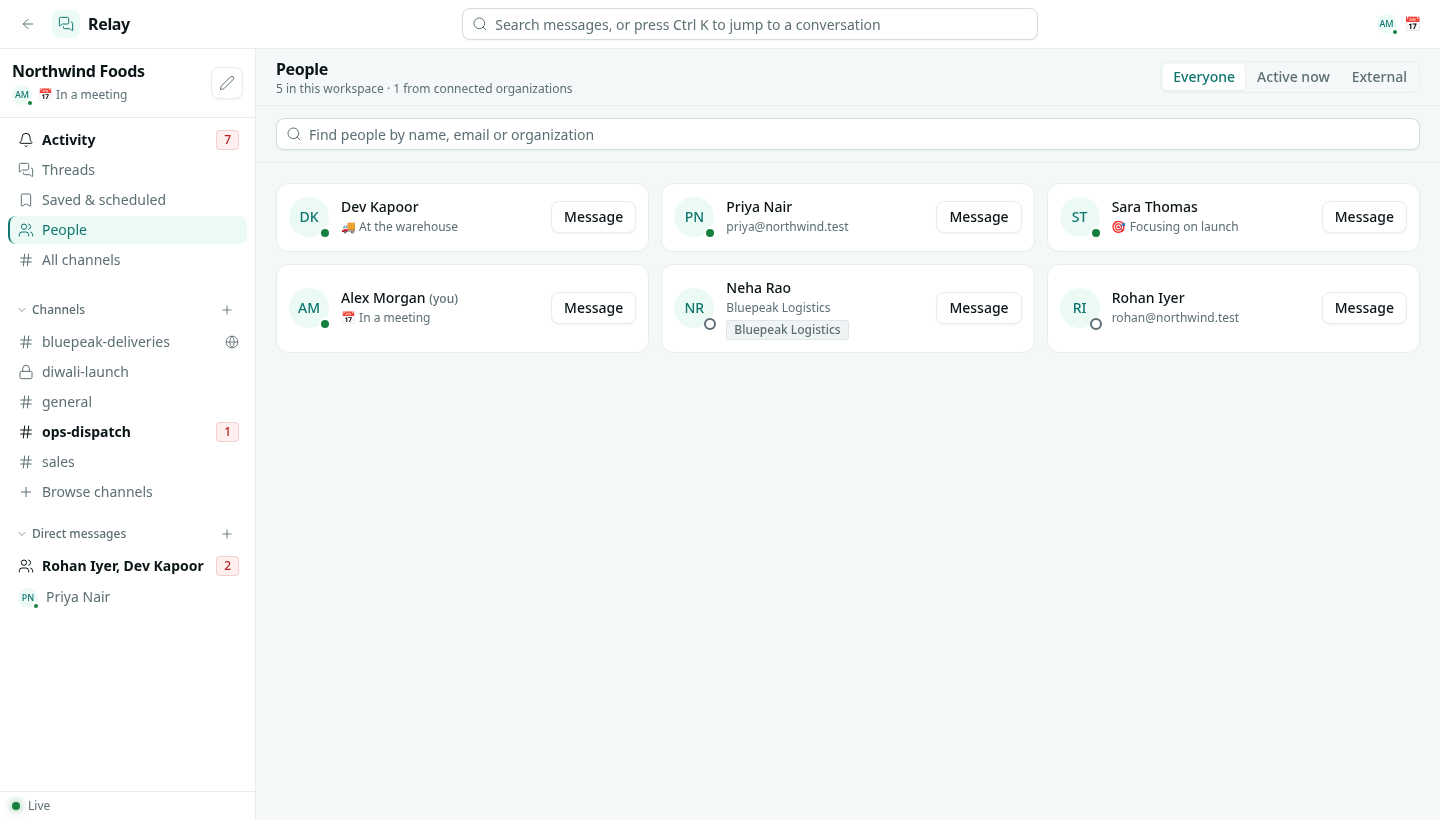
You can also open People in the sidebar and click Message next to anyone.
Group messages
A group message can have up to 9 people, including you. Its people are fixed: adding someone else starts a new conversation, so nobody suddenly reads a history they were not part of. If a conversation needs to grow, create a private channel instead.
A note to yourself
Leave To empty and click Open my notes to get a private space for drafts, links and to-dos.
Close a conversation
Right-click a direct message in the sidebar and choose Close conversation. It leaves your sidebar but nothing is deleted. It comes back by itself with the next message.
People from other organizations
When you share a channel with another organization, you can also message its people directly. They are listed under External in People, with their organization's name. See Relay Connect.