Saved, reminders and scheduled
Save messages for later, get a reminder about them, and manage messages scheduled to send later.
Saved & scheduled in the sidebar is your personal to-do list for conversations. Nobody else sees it.
Save a message
Hover a message and click the bookmark, or open its menu and choose Save, Remind me in 1 hour or Remind me tomorrow 9:00.
Work through your saved messages
| Tab | What it shows |
|---|---|
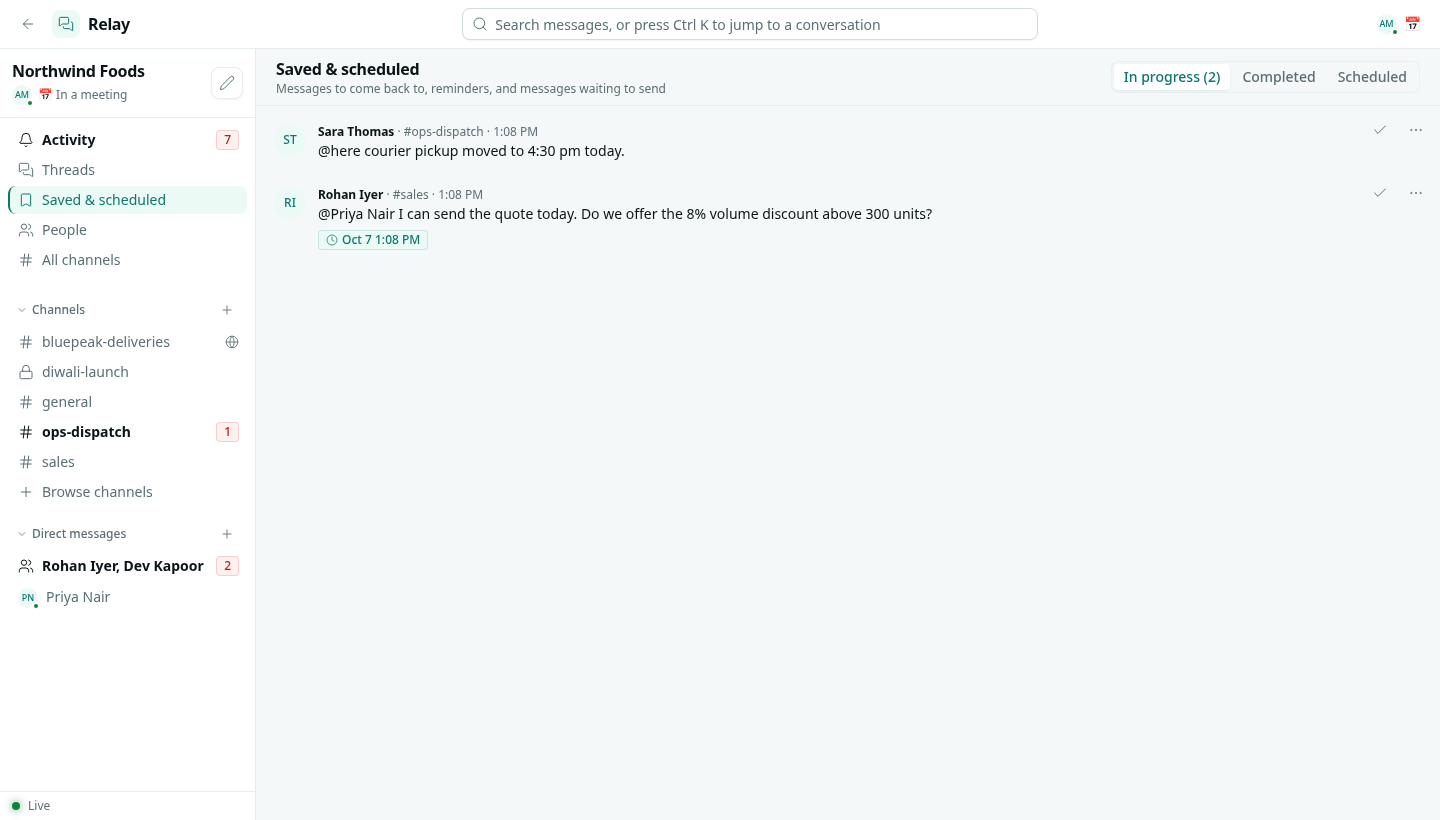
| In progress | Saved messages you have not finished. A reminder time is shown under the message. |
| Completed | Messages you ticked off. |
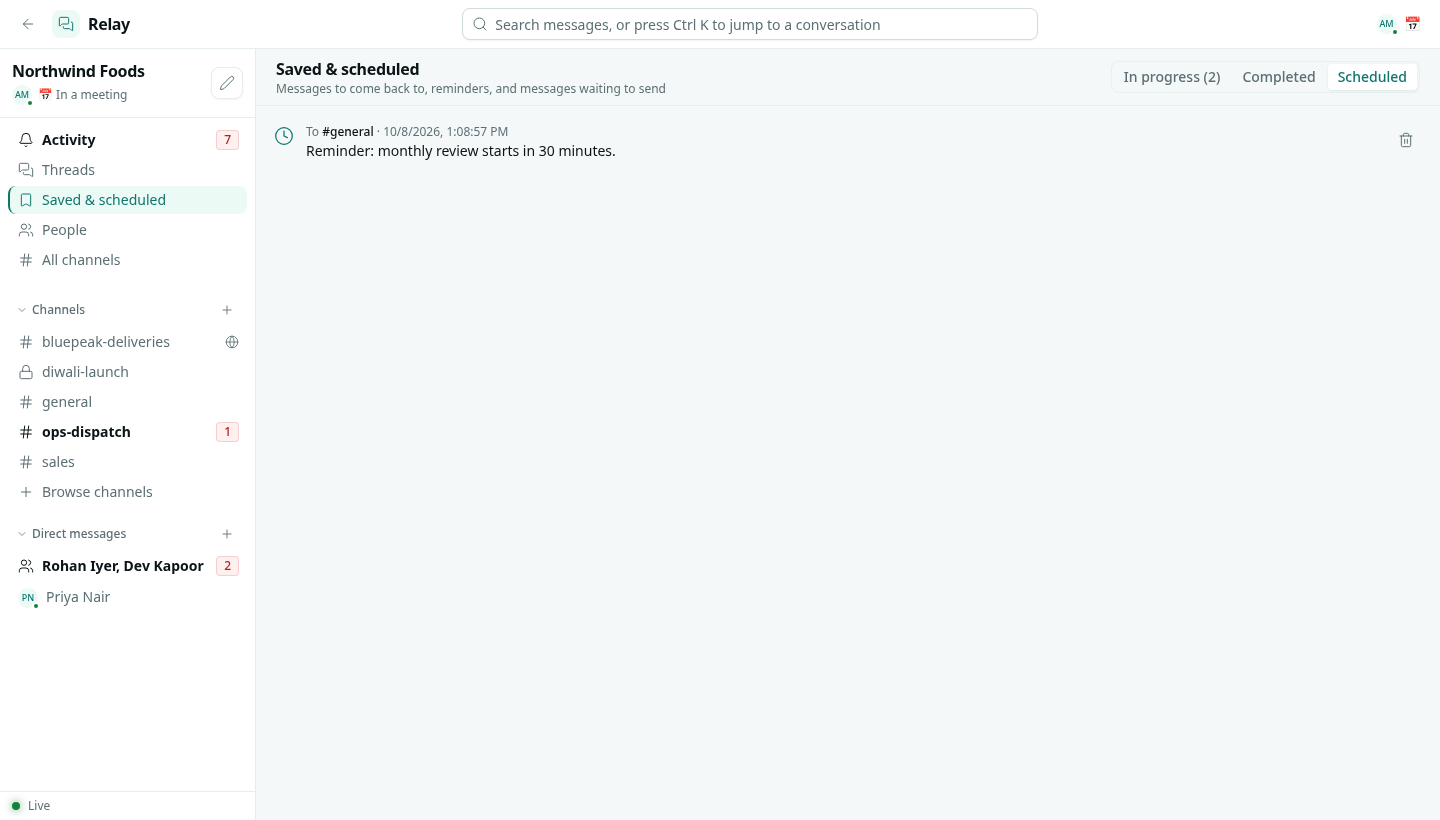
| Scheduled | Messages waiting to send. |
Click the tick to complete an item. Use ⋯ to set or change a reminder (In 1 hour, In 4 hours, Tomorrow at 9:00, Next week or Custom…), Remove reminder, or Remove from saved. Click the message to jump to it.
Reminders
When a reminder comes due it appears in your Activity and in the bell. Reminders can be set up to 120 days ahead.
Scheduled messages
Schedule a message from the arrow next to the send button (see Write messages). It waits in Scheduled with its conversation and time. Click the bin to cancel it before it sends.