Website Accounts
Let visitors of your websites create accounts and sign in — separate user pools, passwords or one-time codes, profiles and roles for what they can do.
Website Accounts lets the visitors of your websites create an account and sign in — customers checking their orders, members reading a members-only page, sellers listing their own products. You decide how they sign in, what they're asked when they sign up, and what they can do once they're in.
People who sign in on your website are not members of your workspace. They never see AxisIQ itself, they can't sign in to it, and they only reach the data you open to them through your website.
Before you start: you need a site in Sites. To send sign-in codes by email or text message you also need a connection in Messaging. To change Website Accounts you need Full control on Website accounts; to add and manage people, Can manage people.
How it fits together
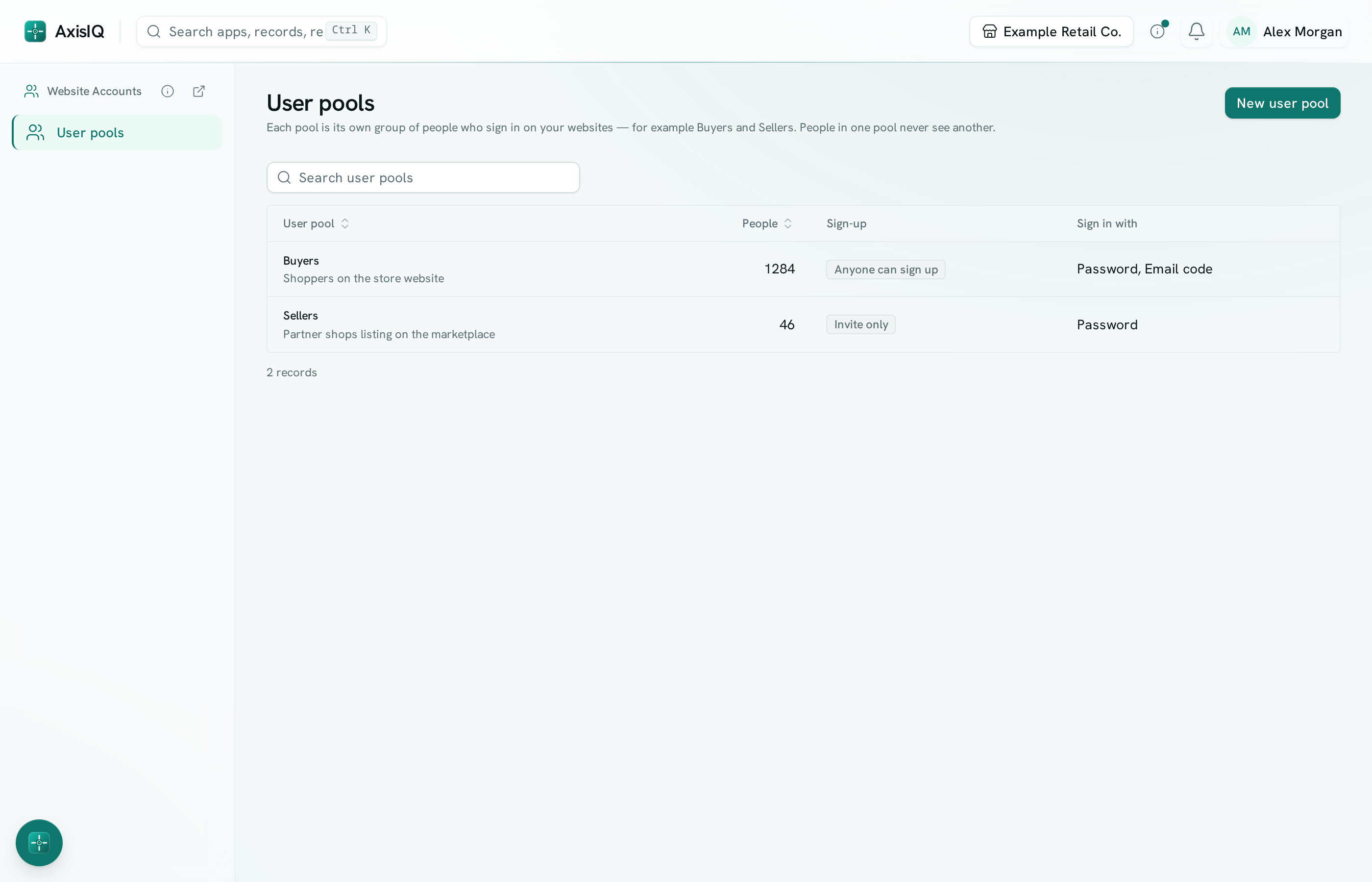
- User pools — a pool is one separate group of website users with its own sign-in rules. Most businesses need one. A marketplace might have two, Buyers and Sellers, each with their own sign-up page. The same email in two pools is two separate accounts.
- Sign-in — people sign in with an email or phone number and a password, or with a one-time code sent by email or text message. You can switch on more than one.
- Profile — each person can have a profile record in a record type you choose (for example Customers), filled in from what they enter at sign-up. Several pools can share the same record type.
- Roles — what signed-in people can do with your records: see products, place orders, edit only the listings they created, and so on.
- Your site — in the site's Settings, pick the pool it signs people in with, make pages sign-in only, and give your functions clean web addresses your pages can call.
In this section
- Set up sign-in
- Roles
- Manage people
- Sign-in and API on your site
- For developers: Website sign-in API
Good to know
- Sign-in works on your site's secure AxisIQ address (
https://…axispages.app). It is refused on any address that isn't served overhttps://. - Signing out, a password reset, suspending someone or removing them takes effect immediately on every browser they use.
- Every change to pools, roles and people is kept in the workspace Audit log.